100 screenshots per release.
Automated.
You know the drill: new feature, new screenshots, times every device and language. We built this so none of us have to do that manually again.
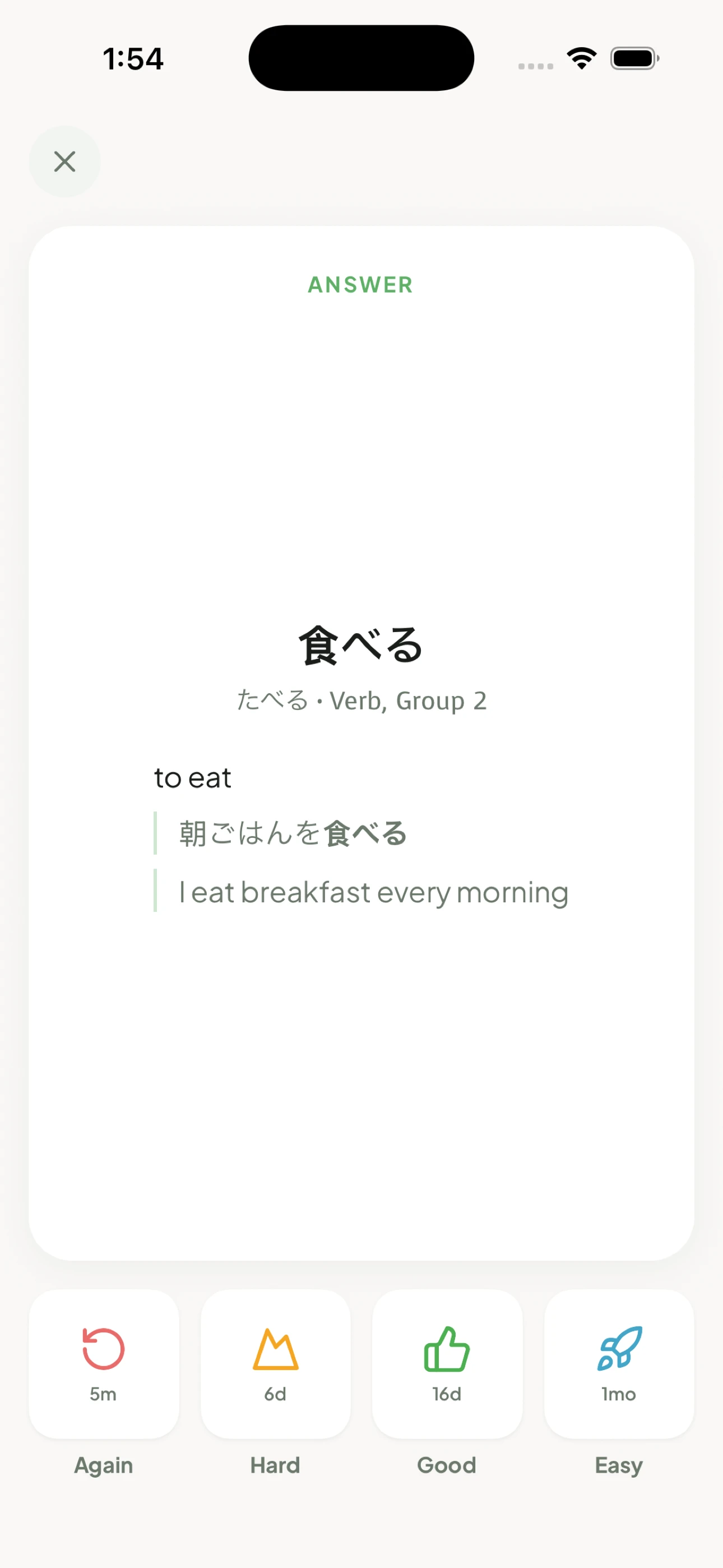
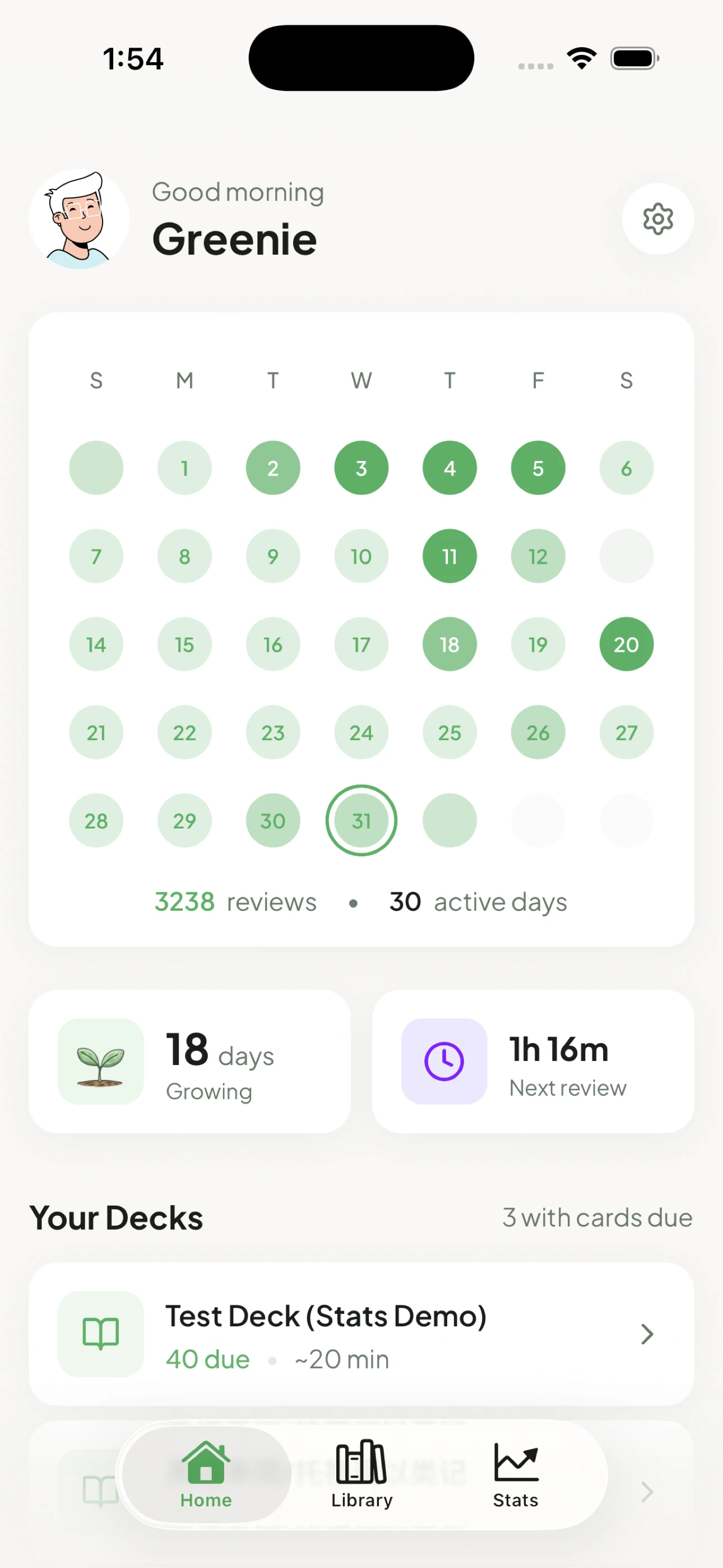
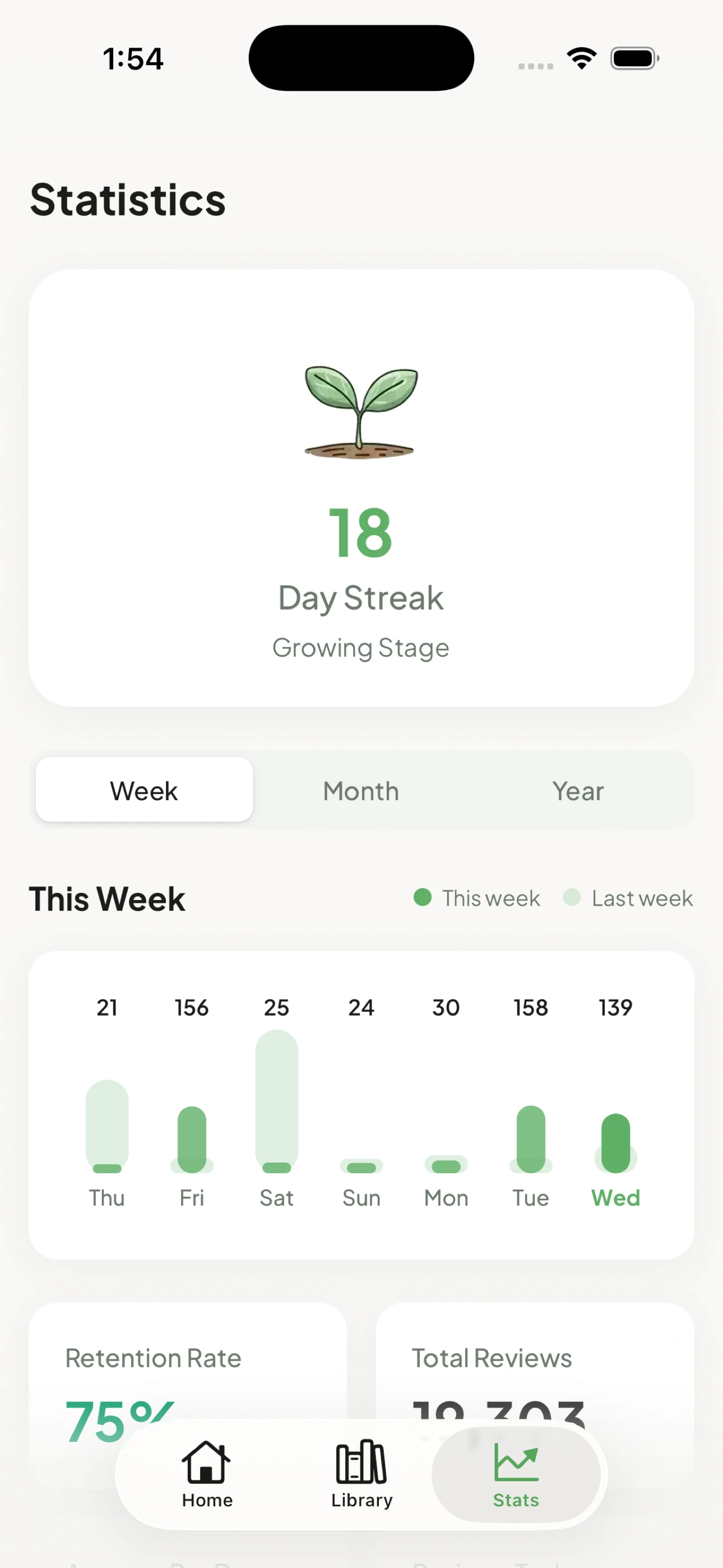
Drag & drop your app screenshots
or click to browse (PNG, JPG up to 10 images)
AI-native, not WYSIWYG
WYSIWYG editors are for humans. This is vibed themes and curated options—designed natively for AI. All you do is take screenshots.
Take screenshots
Raw simulator screenshots. That's literally all you do.
AI does the rest
Picks themes, writes copy, translates to every language. Tweak if you want—or don't.
Ship to App StoreSoon
Every device size, every locale. Uploads directly to App Store Connect.
Themes
3 themes, 15+ styles. 0 manually created. More to come.
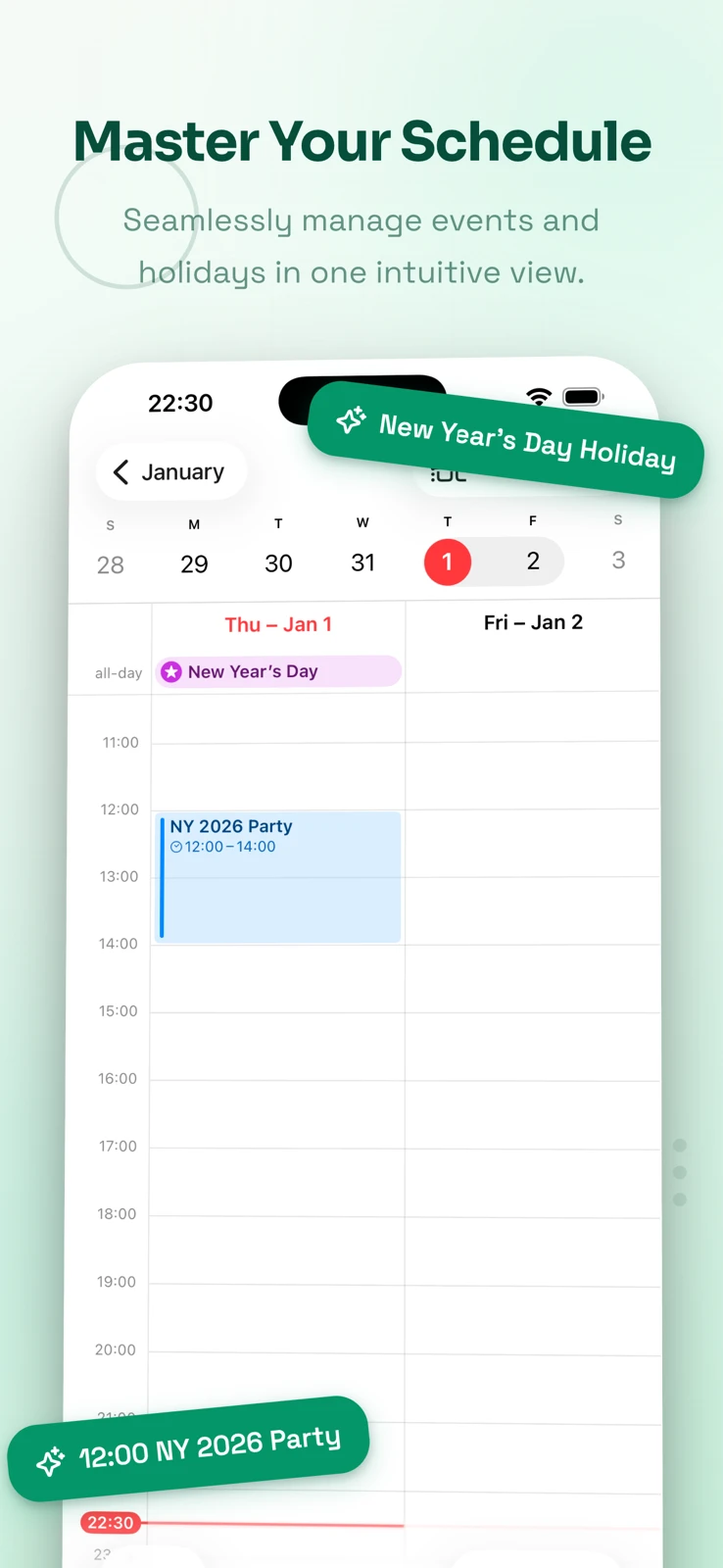
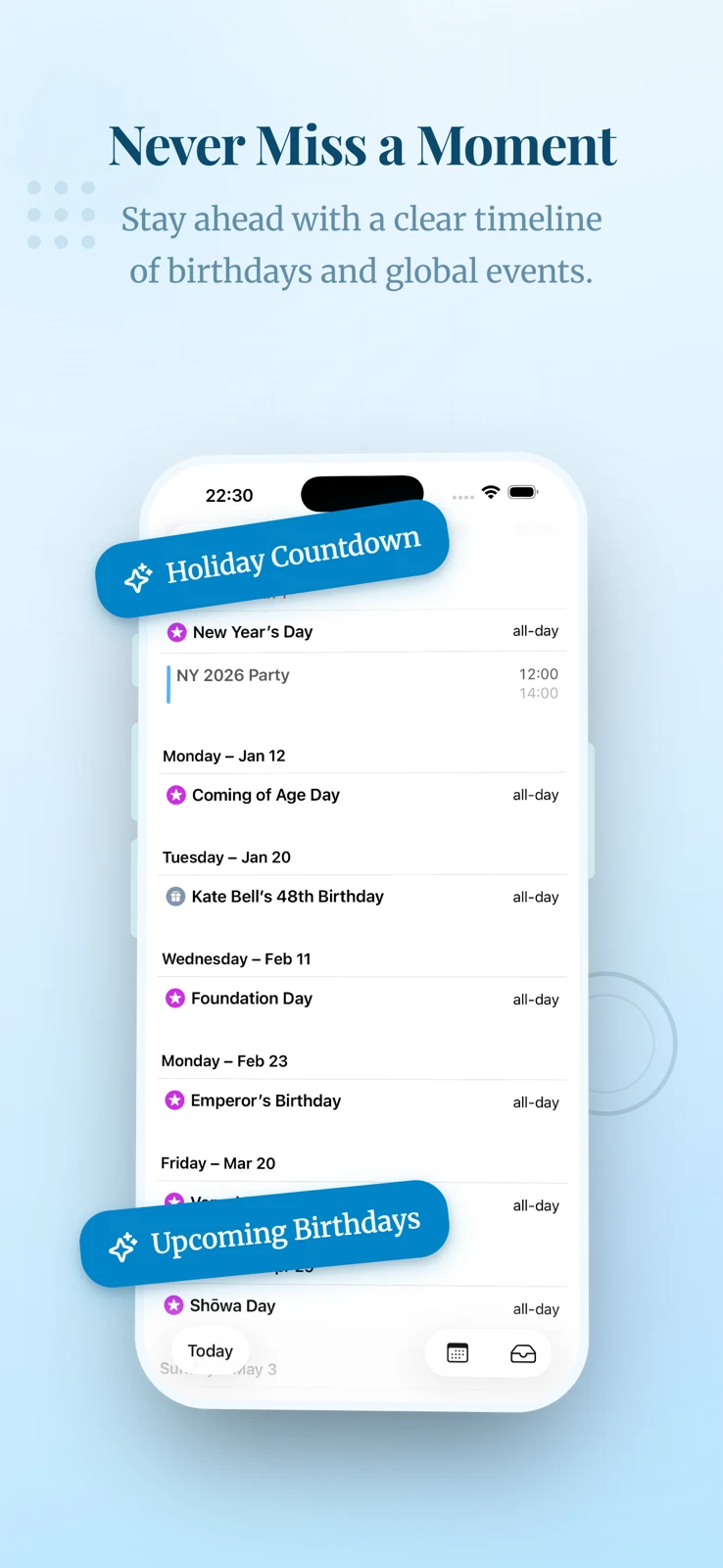
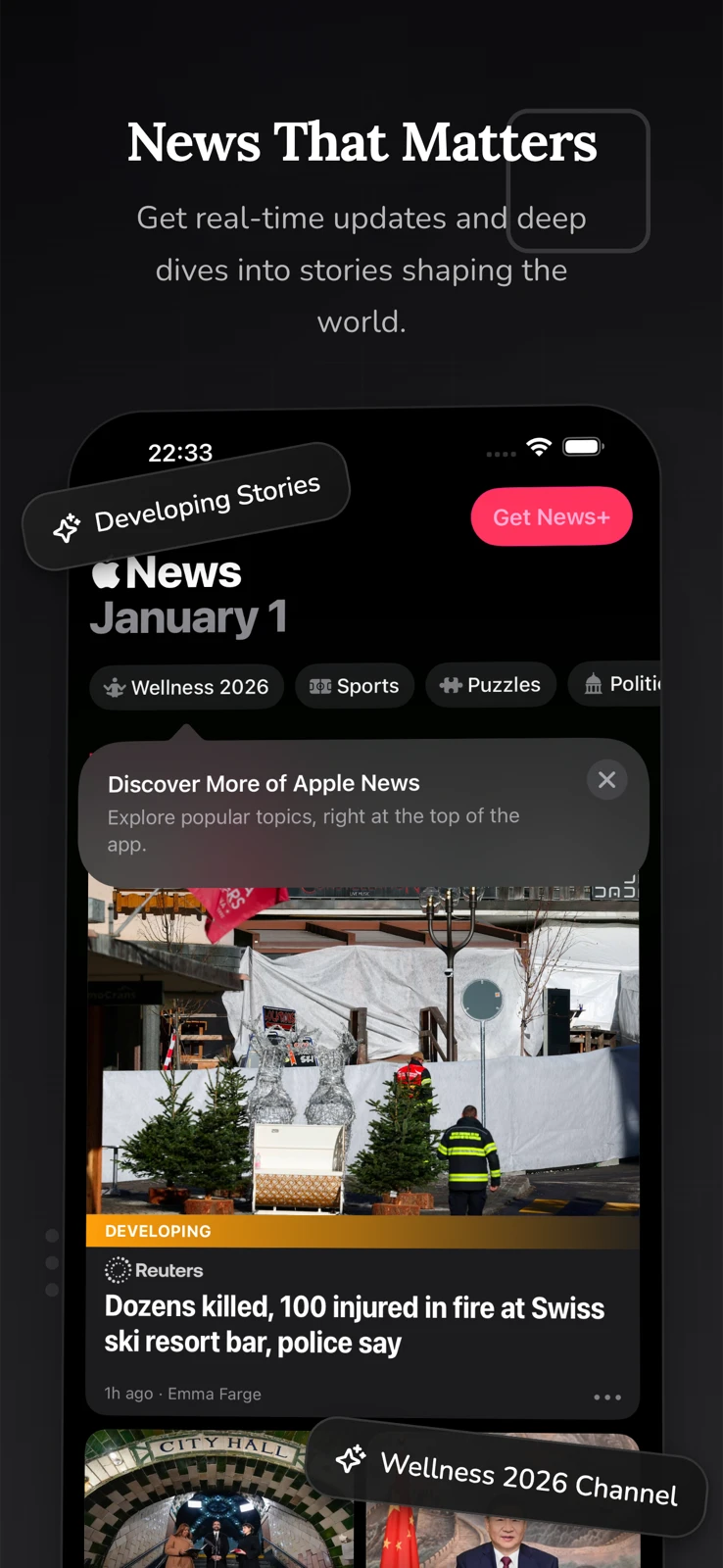
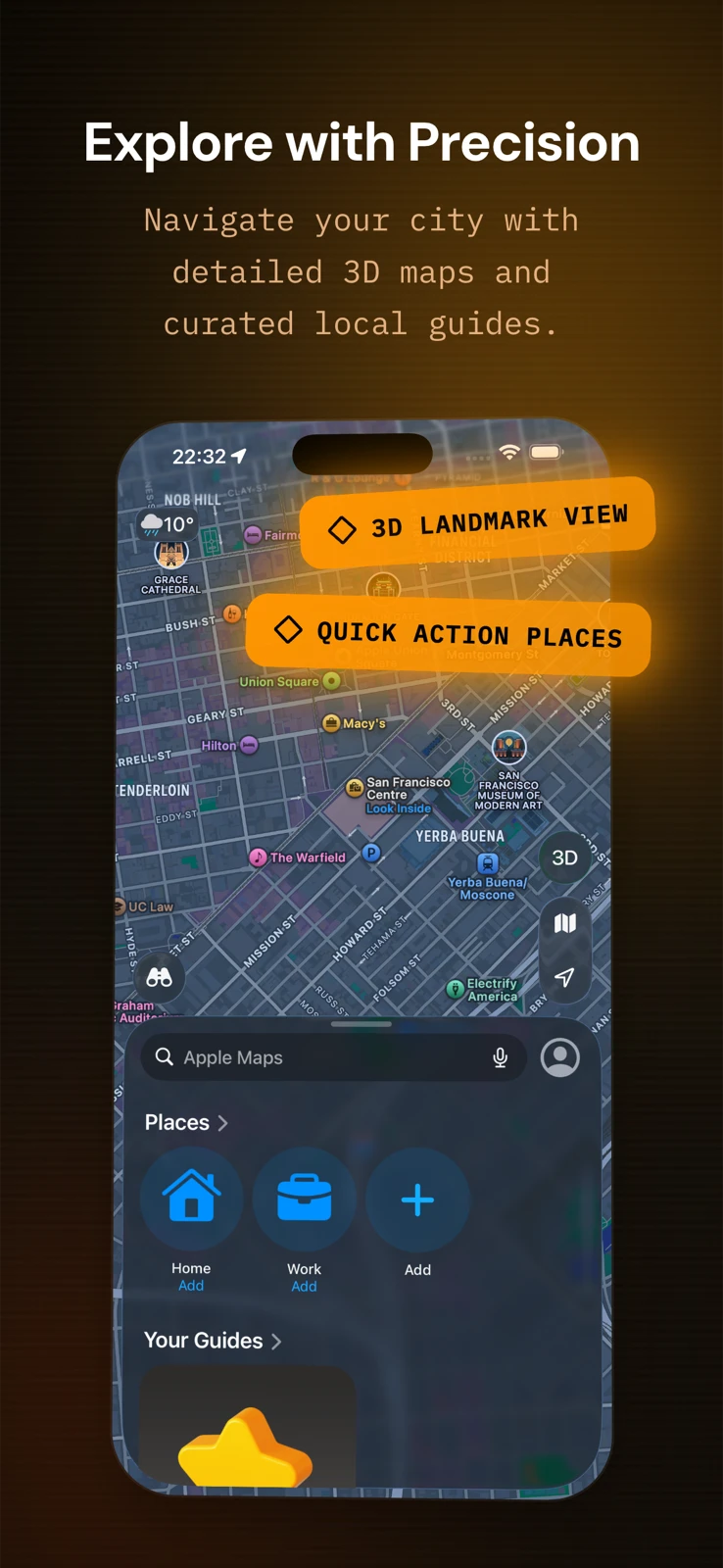
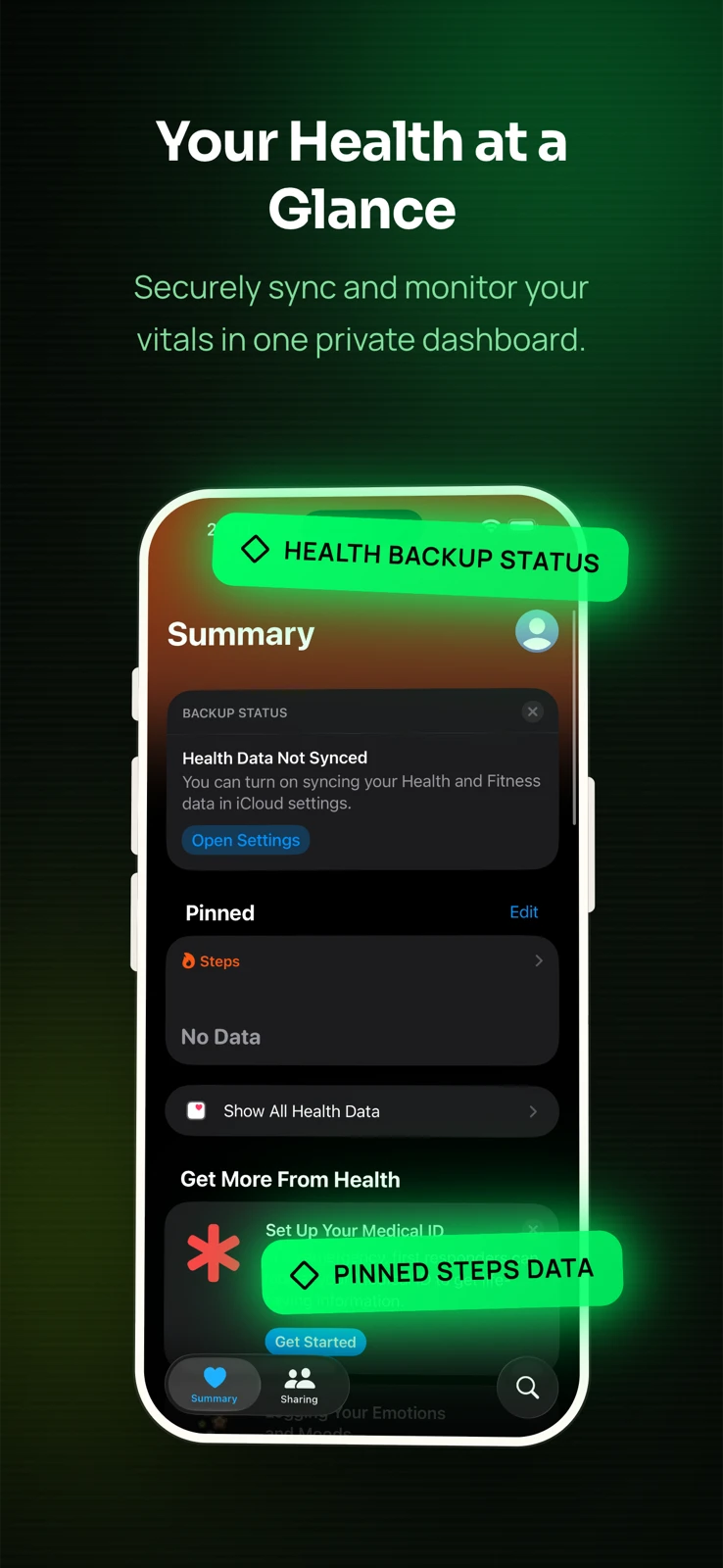
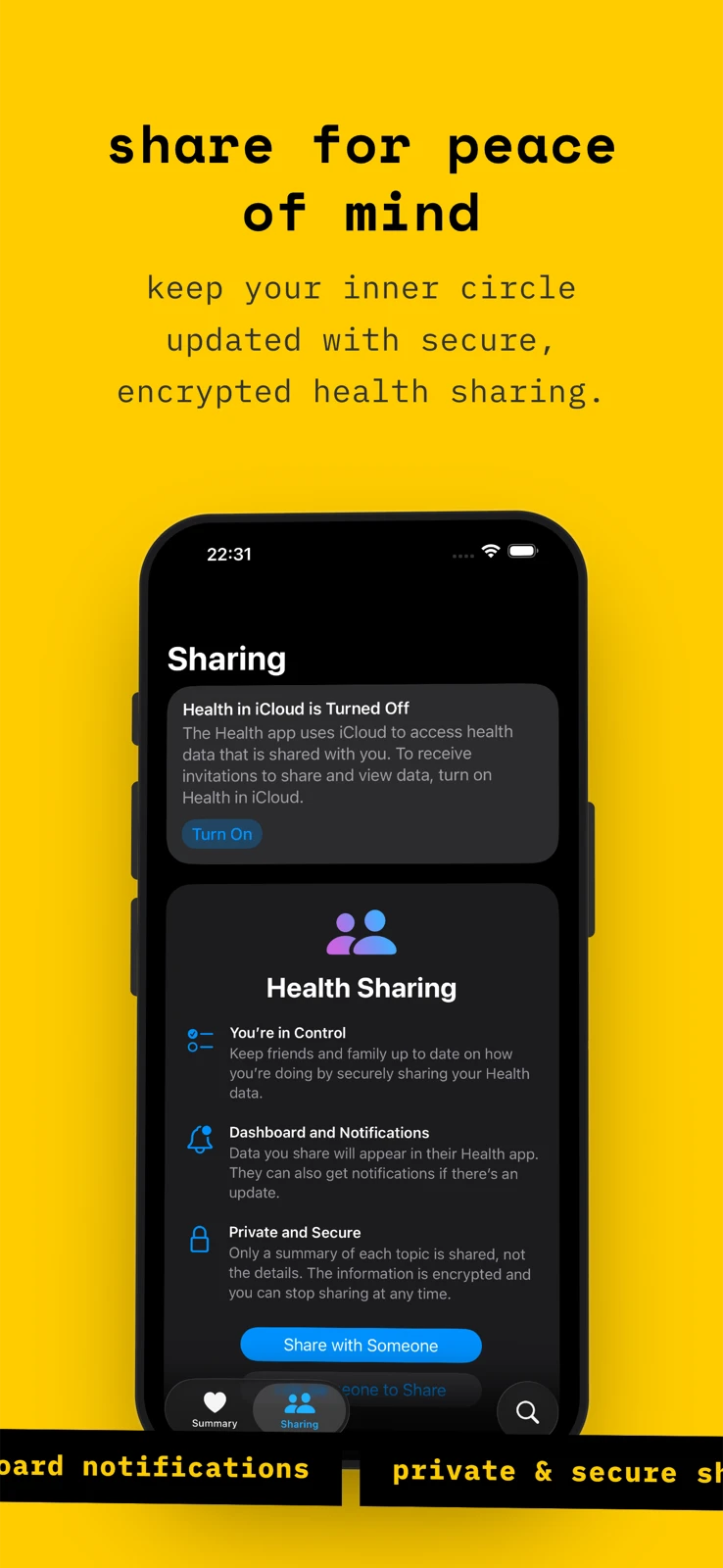
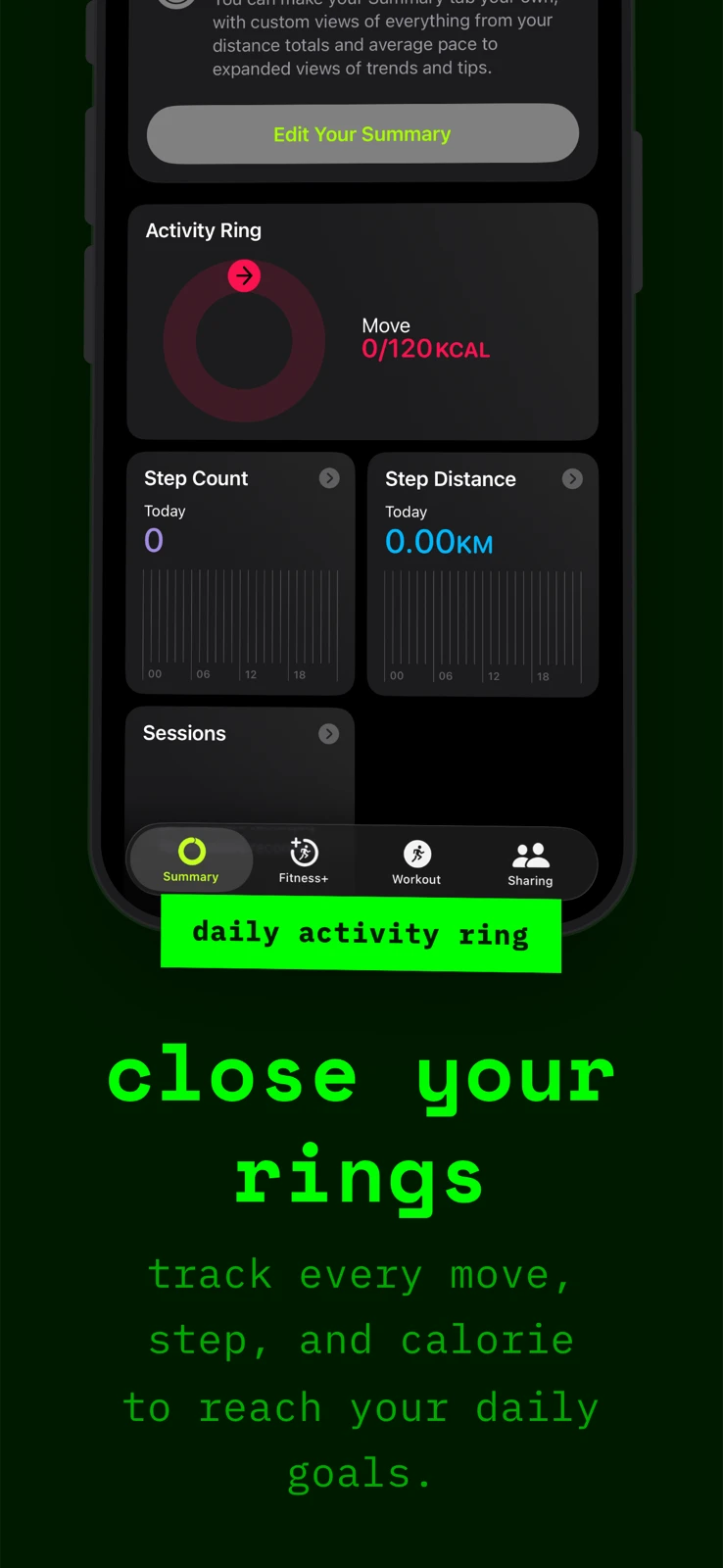
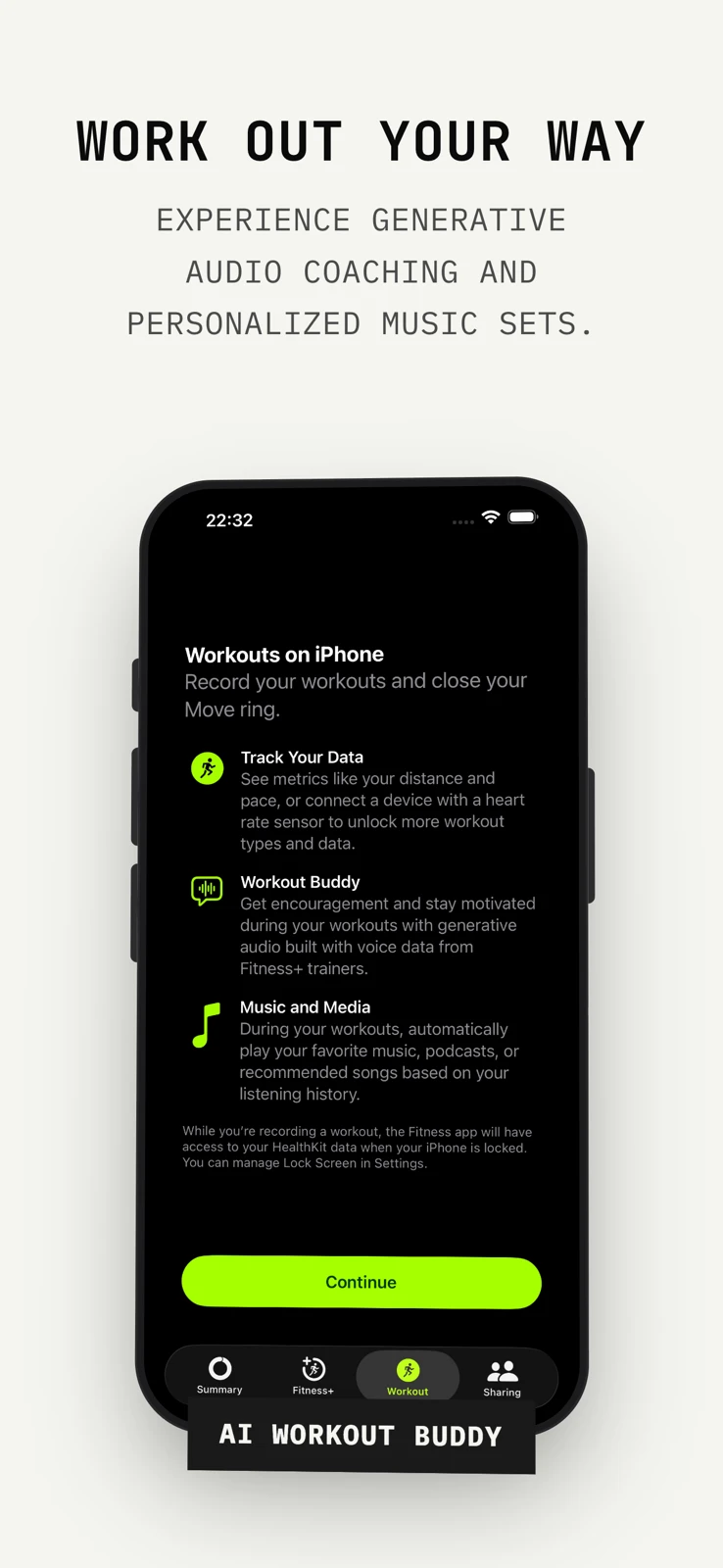
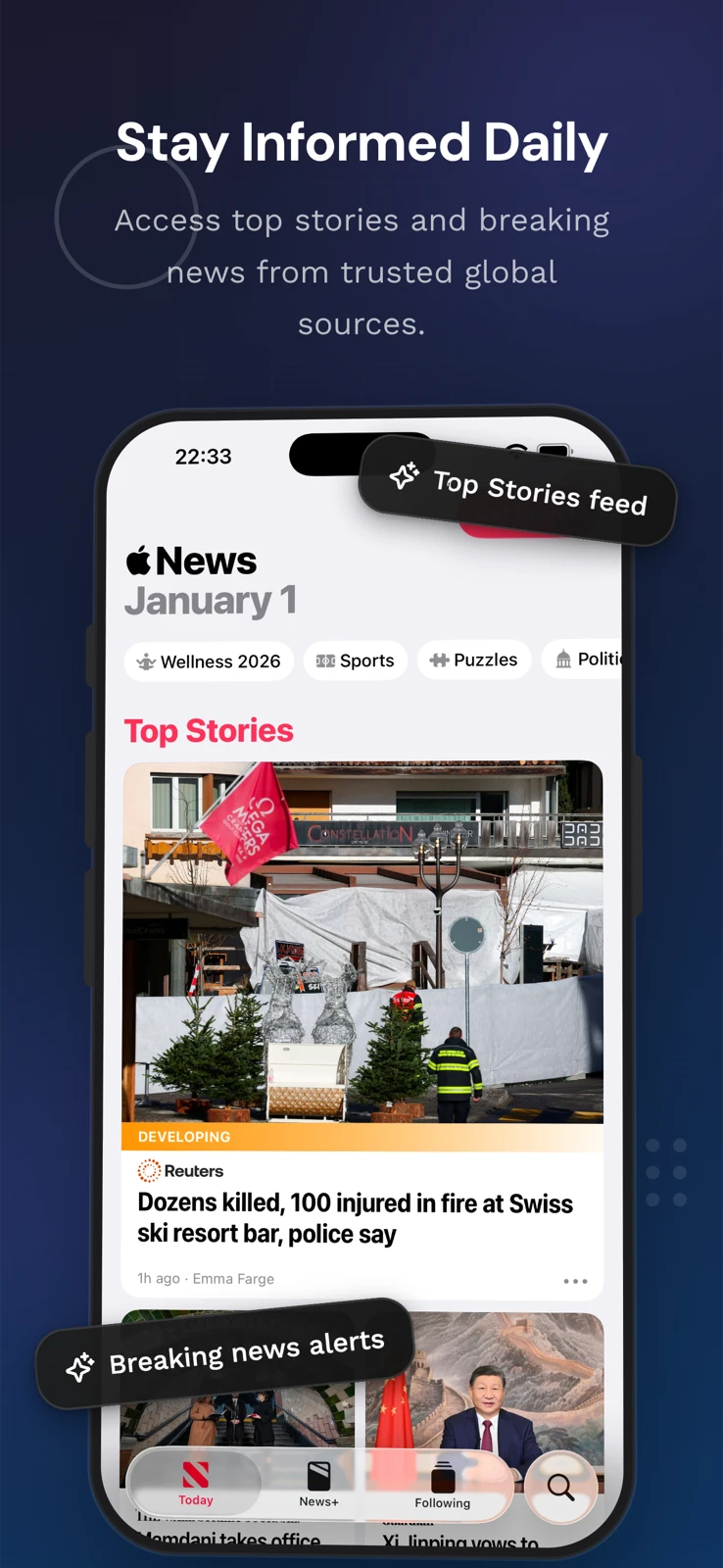
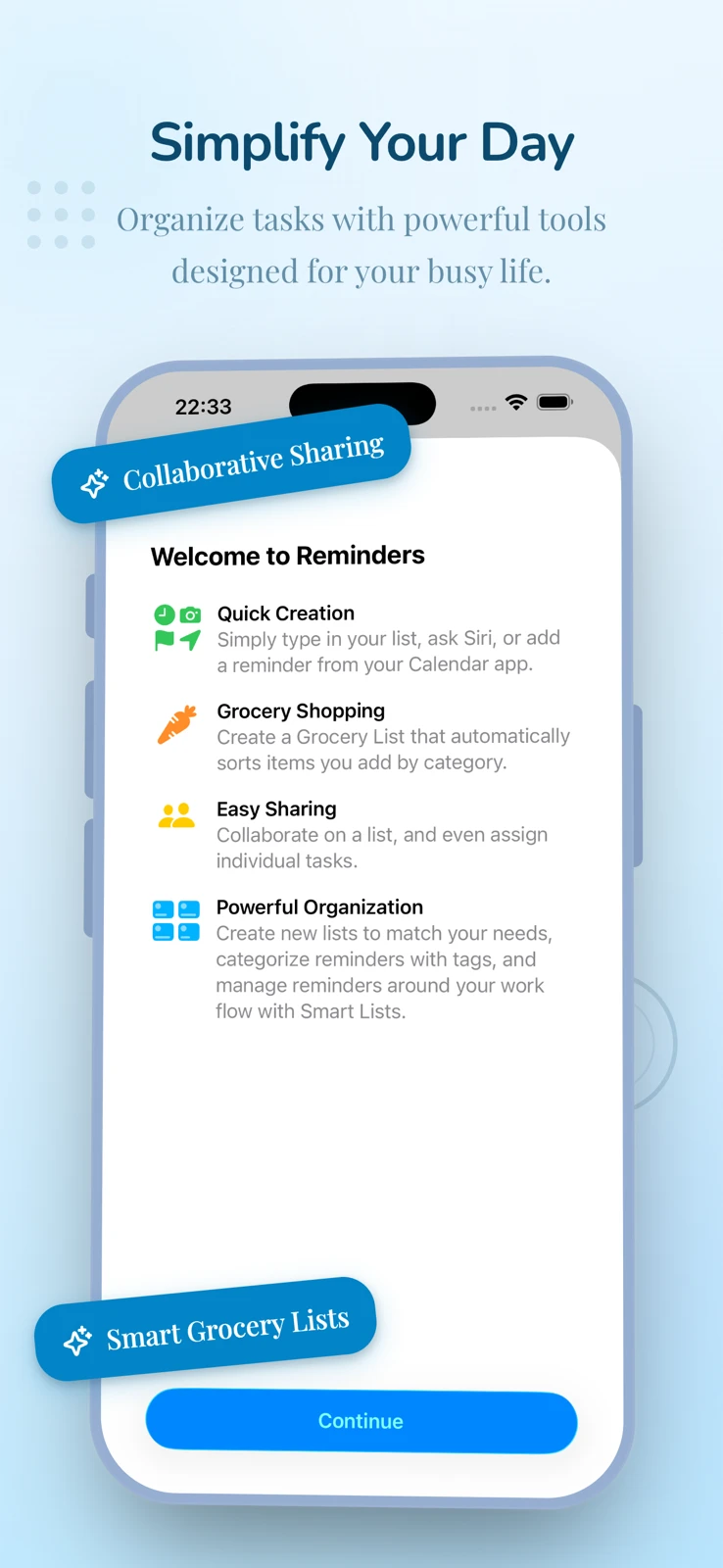
3 Themes, 15+ Styles
Gradients, minimal, brutalist. More coming.
iPhone & iPad
All App Store sizes. Correct resolutions out of the box.
Device Frames
Latest iPhones and iPads. Updated when Apple ships new hardware.
Batch Export
All screenshots as PNGs or a single ZIP. Ready to upload.